


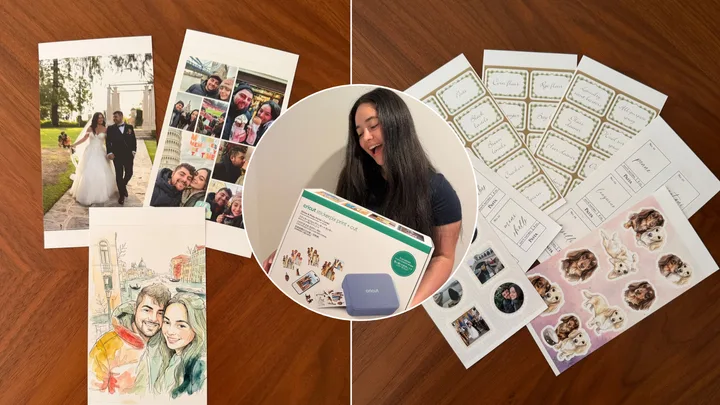
 (Photography: Jade Coull)
When I think back to my childhood, it’s filled with memories of crafting. At a young age, my mum shared her love for scrapbooking with me. We’d fill empty albums with decorated memories, handmade birthday cards, DIY for every birthday and milestone event, and spend hours in craft stores, rummaging through their paper, decorations, and my personal favourite – the stickers.
But then, life got busy, and I grew up. University, followed by a full-time job – I struggled to make time to fuel my creative spark. I thought my crafty side was gone… and then I heard whispers of a new machine hitting the market. Specifically, the Cricut StickerPix Print + Cut.
As a lover of the brand, having already owned a Cricut maker, I was very excited to give it a try. And when I used the StickerPix Print + Cut for the first time, I felt that spark of excitement I had when I was younger. It took me back to the times I’d spend hours searching craft stores for the perfect stickers, except it’s even better. Stores always had a limited choice of stickers, and more often than not, I’d walk away settling for options that weren’t perfectly on theme.
Cricut’s new machine allows you to send any photo from your phone and it prints, laminates and cuts it. All in a few quick minutes! Plus, you can use their AI features to customise the images, or choose from their image library.
Is this my dream crafter product? Yes! Keep reading for my full review.
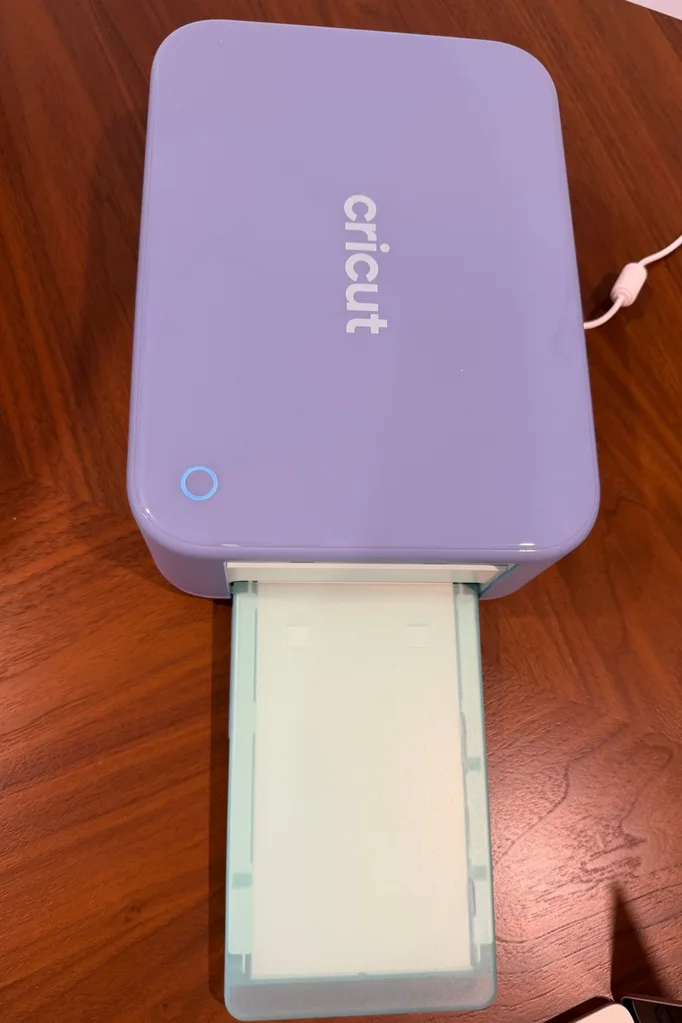
What is the Cricut StickerPix Print + Cut machine?
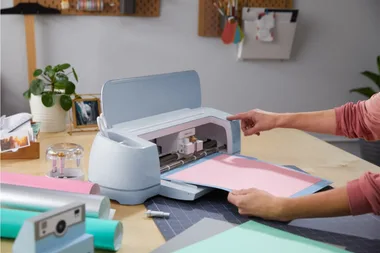
The Cricut sticker machine creates custom, pro-quality stickers, labels, photo prints, cards and invitations right in the comfort of your own home, and in minutes!
It’s perfect for the beginner crafter with editable templates to choose from. It’ll have your stickers ready with the click of a button. The machine prints, laminates and cuts stickers and labels into custom shapes, delivering a high resolution image and ultra-vivid colour in every print.
What comes in the Cricut StickerPix Print + Cut bundle?
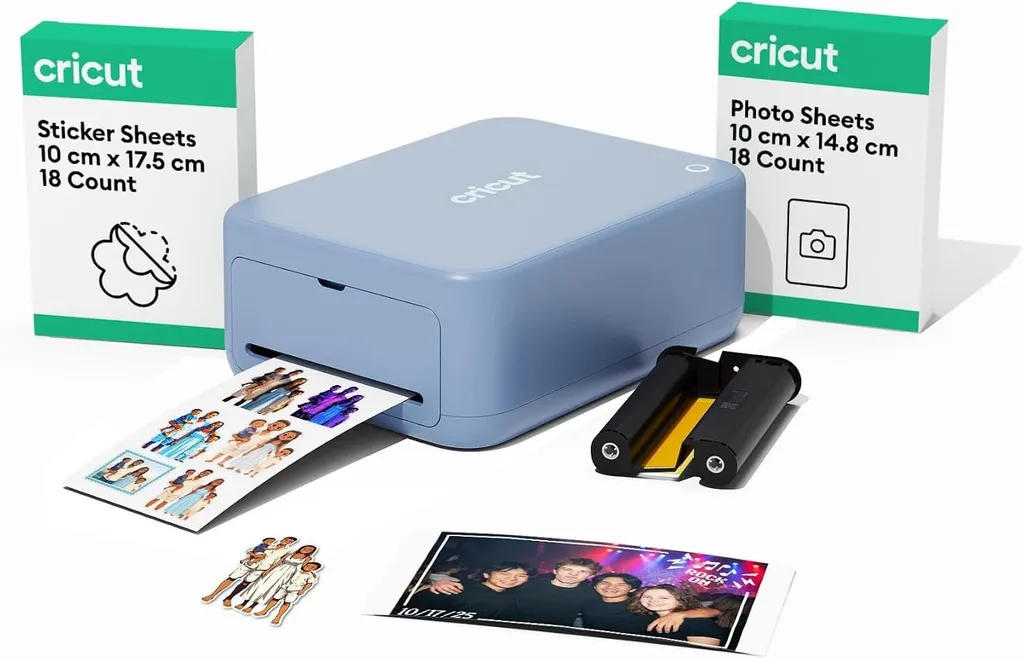
Everything you need to start making stickers is included in the bundle and it includes enough supplies to make 18 sticker sheets and 18 photo prints.
The Essential Bundle comes with:
- Sticker + cut machine
- Ink cartridge
- Sticker sheets
- Photo paper
Cricut StickerPix Print + Cut review verdict
- My rating: 9/10
- Why I rated it:
Cricut’s brand new sticker machine was an absolute breeze to use. Sometimes, cutting machines can be intimidating for a beginner, but this sticker machine is like its simpler best friend.
The machine comes with everything you need and it was simple to set up. Once I had it up and running, my creativity was flowing. I had a variety of templates to choose from which made the process easy, from watercolour to sketch image transformations. Another thing I loved was that there are templates for pantry organisation labels too!
The possibilities were endless! Once I decided on the style for the image I selected, it was time to print. I clicked a button that sent it to the printer and the machine was off. I watched it print the stickers, then laminate and then they came out the other side cut. It was a massive success.
The durability was also super impressive. I added the stickers onto the back of my husband’s phone and one week later they look as good as new – after seven days of scrolling, phone calls, gym visits and being shoved in and out of pockets. Impressed? Absolutely.
If it’s so great, why did it lose one point in my rating? The price point and cost of refills. For someone who regularly crafts, it’s 100% worth the money. Even for someone who does it a couple of times a year, I’d say it’s absolutely worth it. However, if you’re not going to use it regularly, it might not be worth the initial investment.
There are two different price points to choose from. There’s the print + cut machine at $529, or the print machine which has a few less features and costs $329.
Then there’s the cost of materials once your bundle essentials run out, which is:
- Photo paper + ink cartridge set: $70
- Sticker paper + ink cartridge set: $85
- Sticker sheets, photo paper + ink cartridge set: $45
Pros
- Easy to use
- Hundreds of templates to choose from
- AI features to transform images from your camera roll
- High-quality printing
- Laminates and cuts sticker paper
- Prints on photo paper
- Small and compact making it easy to store
Cons
- Initial investment and upkeep costs can be high
What I made with the StickerPix Print + Cut machine
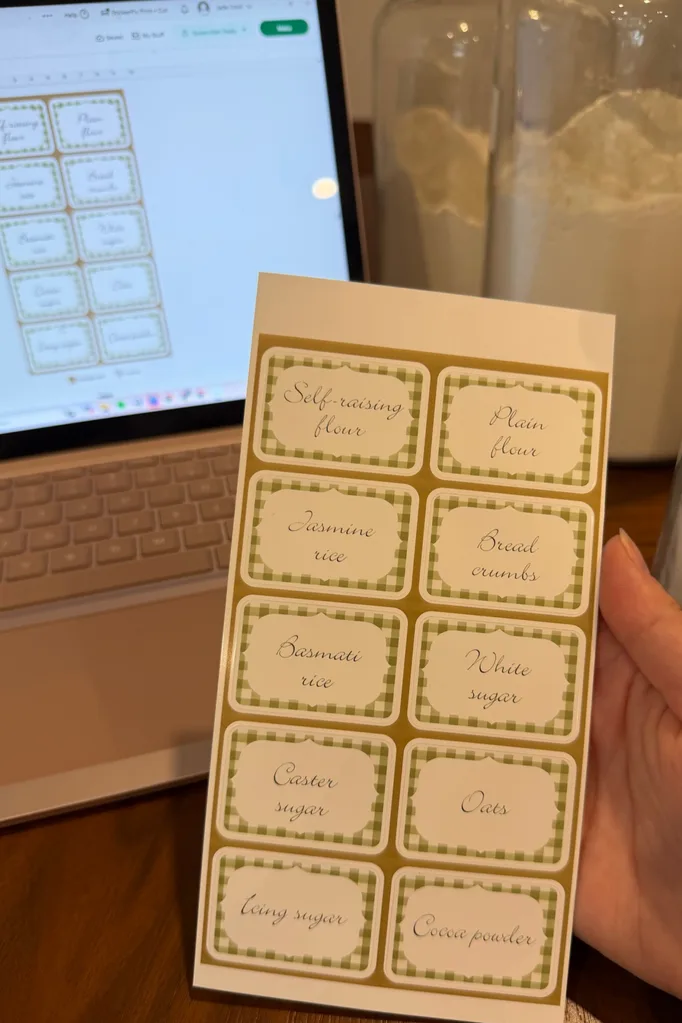
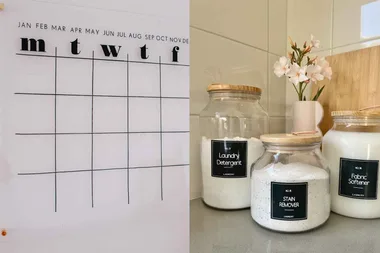
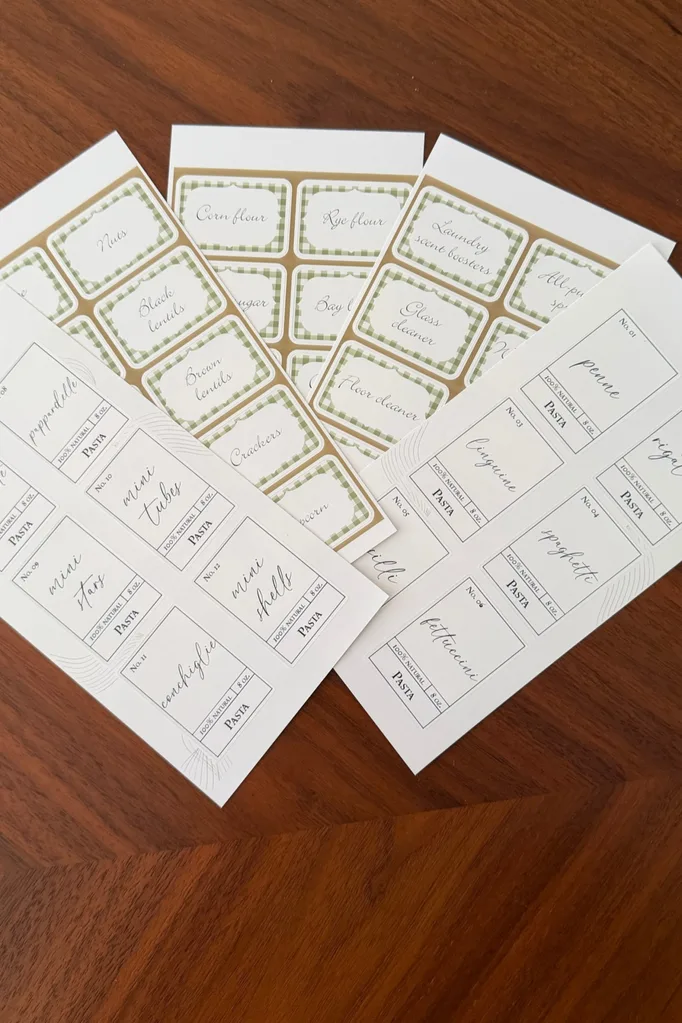
I’ve been wanting to organise my pantry since I moved into my apartment two years ago, but it’s a task I have never got around to. So when the StickerPix Print + Cut arrived, I knew that was the first thing I needed to do. I have so many jars with messy handwritten labels for all my pantry staples. So, I gave them a glow-up.
I found a cute template in the Cricut design space and got to work. Originally, I tried using the design space on the mobile app. For the labels, it was quite fiddly and difficult, particularly when trying to reposition and re-write each label. For this task, I’d recommend using the desktop design space for ease. On the desktop, it was so quick and easy. I made 54 labels in less than half an hour and now my pantry looks so neat and tidy.
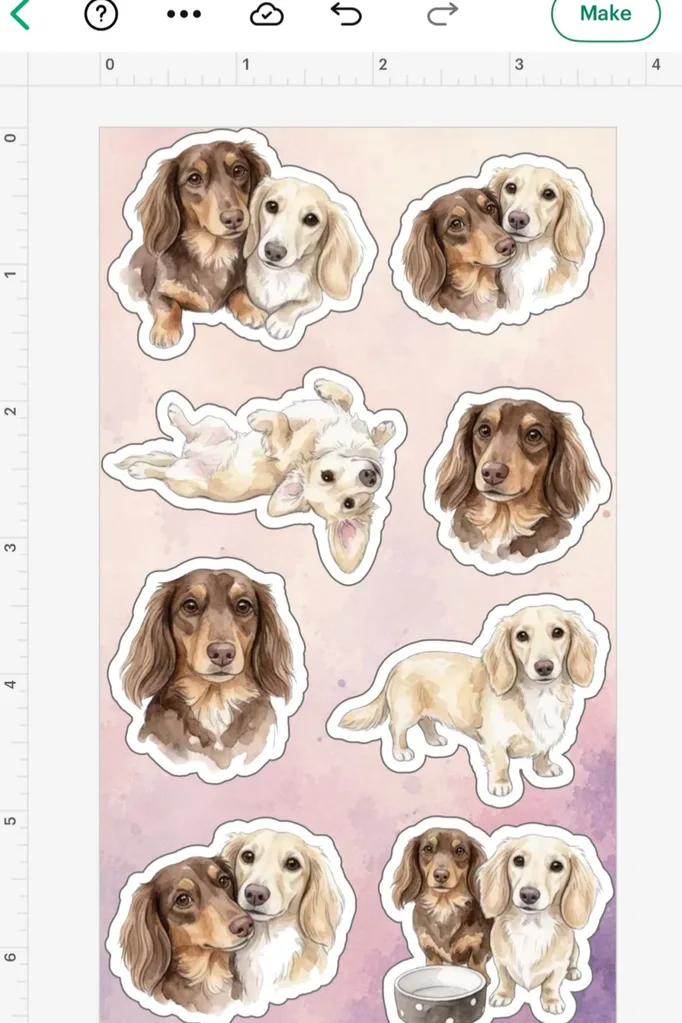
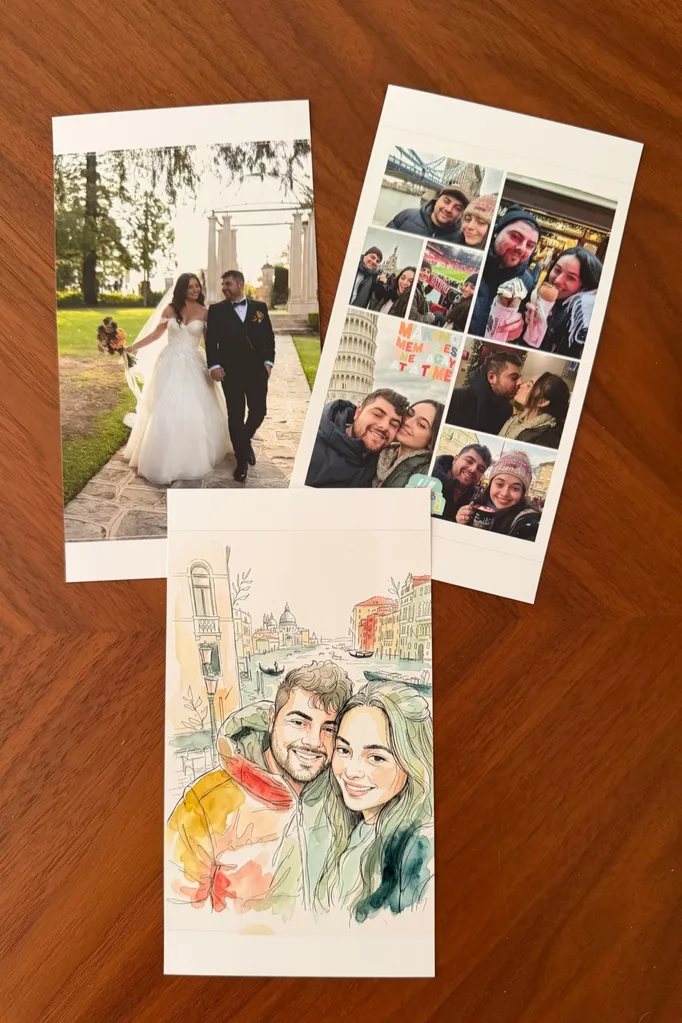
I’m also a major believer in a vision board, and a lover of scrapbooking. So I printed some gorgeous stickers and photos of my puppies and loved ones for the next time I pull the scrapbook out. To say I’m a little obsessed with this machine is an understatement. I used the image AI function to transform a vacay photo into a drawing and it came out so cute!
Overall, is it worth it?
It’s absolutely worth it if you love stickers, or having the ability to print photos on demand with ease. I’d recommend it to anyone who has a small business, is an avid crafter or creator, or anyone who wants to dip their toes in – it’s a great entry point for beginners.
Who would use the Cricut sticker machine?
One of the best things about the new Cricut StickerPix Print + Cut machine is just how many different ways you can use it, whether you’re a pro crafter or someone who’s always felt they aren’t particularly creative.
For teachers, it’s a fun way to make personalised classroom labels, rewards stickers for the kids, and learning resources. Business owners can create custom packaging, product labels and branded stickers without outsourcing every little detail.
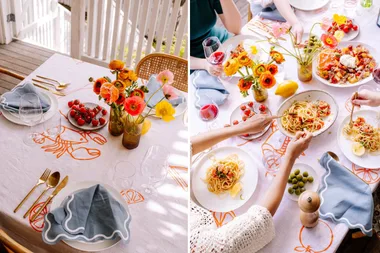
Event planners and DIY enthusiasts will love using it to make personalised wedding favours, invitations, decorations, place cards and more! While scrapbookers, journal-lovers and memory-keepers can turn their favourite photos into stickers in minutes.
It’s also a great option for parents looking to make school supplies feel special, students wanting to personalise their laptops and notebooks, and anyone who loves giving gifts with a thoughtful, handmade touch.
And if you’re a beginner who has always wanted to try crafting but doesn’t know where to start, the ability to create stickers from your own photos and designs is a lovely, low-pressure way to dip your toes in. Ultimately, it’s for anyone who loves the idea of making something uniquely theirs, without needing to be a DIY expert.
Can the Cricut StickerPix save you money?
There is potential that it can save you money if you require stickers or photos regularly. Let’s work out the costs.
Cricut’s new sticker machine has an upfront cost of around $529, so it may not be worth it if you only make stickers occasionally. However, with replacement supplies costing approximately $1.18 per sheet, it could save money compared to ordering small batches of custom stickers, particularly for frequent crafters, teachers, small business owners and anyone who loves DIY events. Buying stickers in bulk may still be cheaper per sticker, but the real advantage is being able to create personalised designs whenever inspiration strikes.
The verdict: it’s an investment rather than an instant money-saver, but if you regularly make stickers or love personalising everything from scrapbooks to party decorations, the convenience, creative freedom and potential long-term savings could make it worthwhile.
How does the StickerPix compare to the Cricut makers?
The StickerPix is what I’d consider a beginner-friendly machine for those who want the basics done – stickers and photos. It does everything in one compact, portable machine and the set-up was super easy. The number of templates available to use means you don’t need to be particularly creative – just choose one you like, pop your images in and let the machine do the rest.
The Cricut makers, on the other hand, are a bit more advanced and time consuming to create vinyl designs. But overall, they’re both great machines that I’d choose, pending your creative level.
Where to buy the Cricut machines
You can buy the StickerPix Print + Cut machine from the Cricut website.
